Design Your Dress
Name this draft
A new, separate draft will be created. Your existing draft will stay unchanged.
- 1Design
- 2Measurements
- 3Review
Choose a front image for the upper body and skirt. For each back view, select another image from the same product. Pick a main colour and a decoration colour. AI will create two views of the same outfit.
1 Choose who you are designing for
Showing products configured for Women.
2 Build your design references
Click “+” in a design layer to choose an image, then zoom and reposition it as needed.Choose each front image first; its back image must come from the same product. No manual cropping is needed.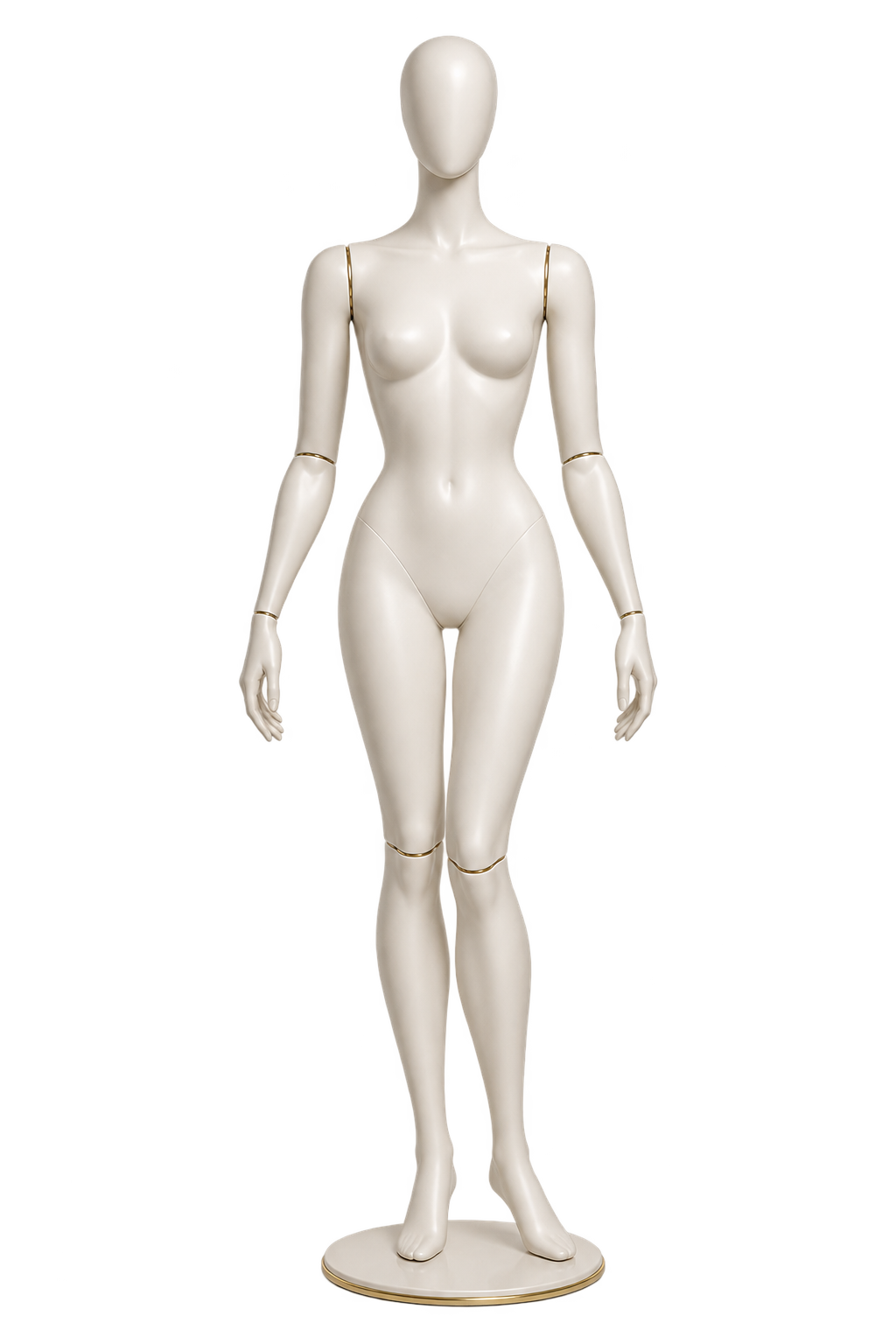
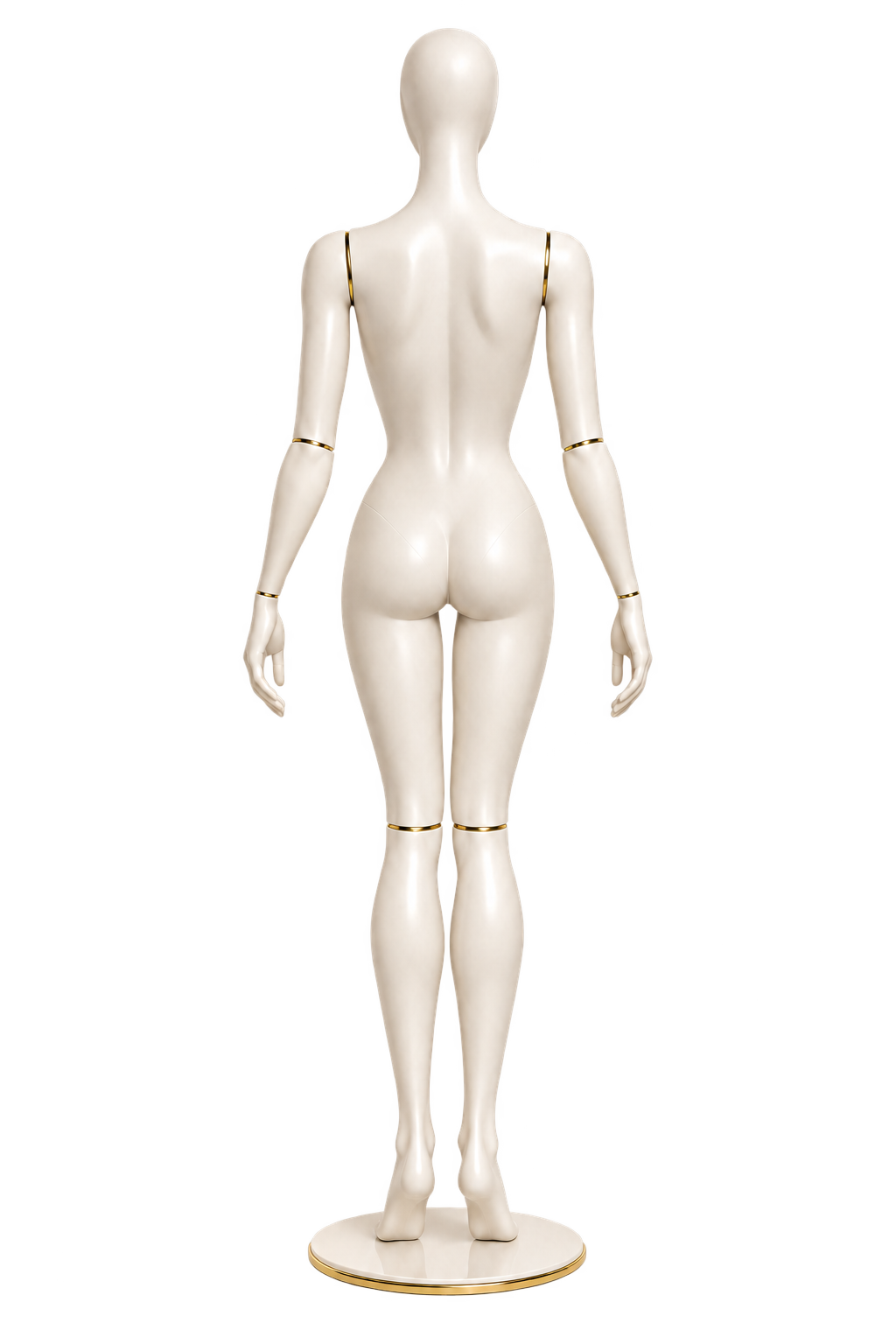
Selected image: . Choose a design area or drag this image into it.
Product images are used as design references and are not automatically separated into parts.
AI identifies the upper body and skirt from the four selected photos. The result is an illustration; our designer will review the final garment.
Sign in to create and keep separate drafts in your account. Sign in now →
Create a New Design
Choose each component. Both front and back update together using transparent PNG layers.
- Front
- Back
- Skirt
- Skirt length
- Sleeves
- Types of panties
- Decoration
- Accessories
Sign in to create and keep separate drafts in your account. Sign in now →